

Dino Retro
Retro Handheld Blog
and SD Card Upgrades


Dino Retro

Beginners' Guide
Are you new to retro gaming handhelds? At Dino Retro, you can find all the things you need for starters: Start with choosing awesome retro handheld, installing custom firmware Knulli, ArkOS, Rocknix, adding roms and cover arts to your sd card, using guide for these custom firmwares on Anbernic, Powkiddy, Miyoo retro handhelds, basic functions and hot keys, save/load game, installing and using cheats codes, etc. Read our beginner guide now to get your retro gaming journey started!
Retro Game Cards
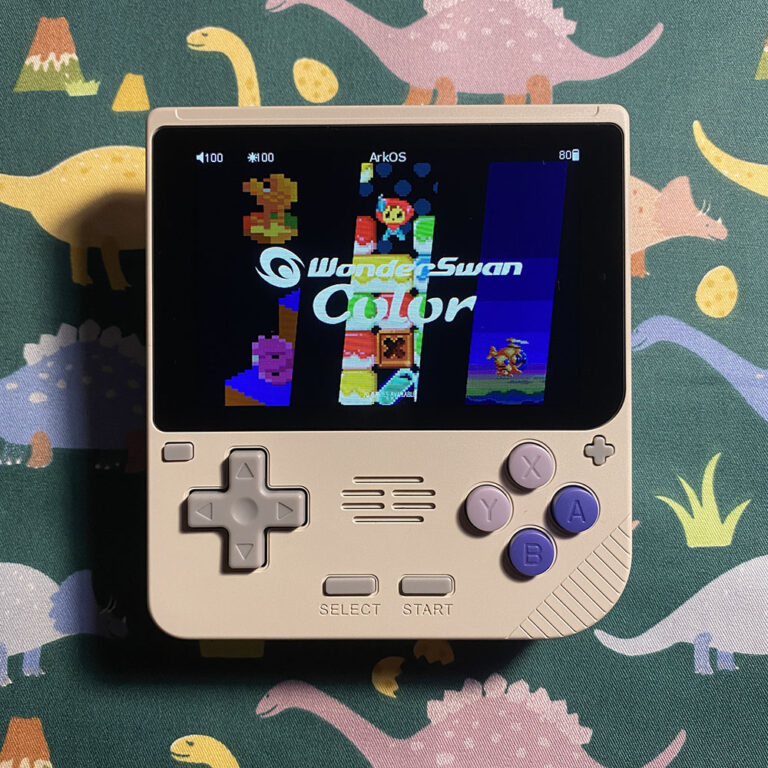
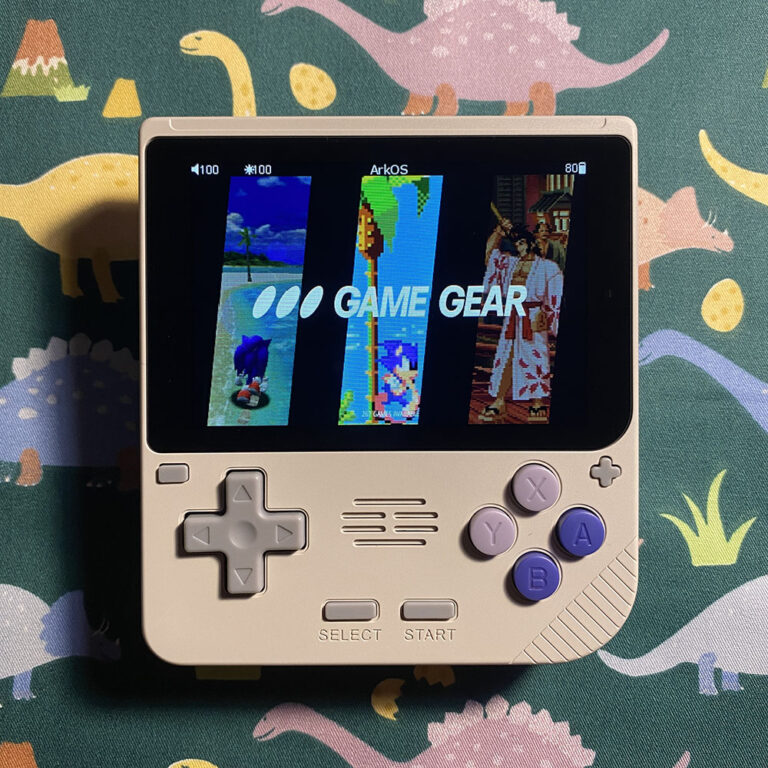
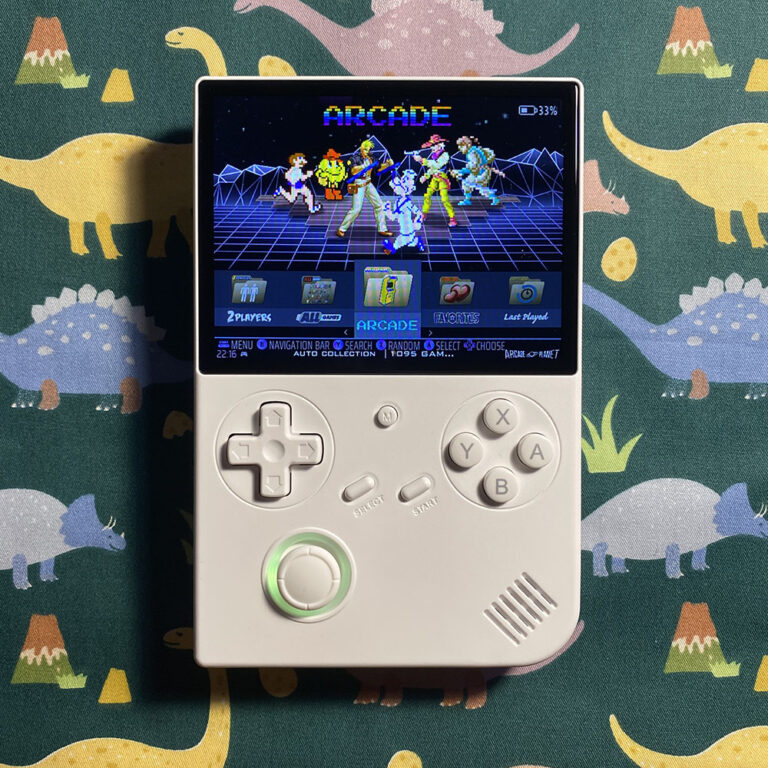
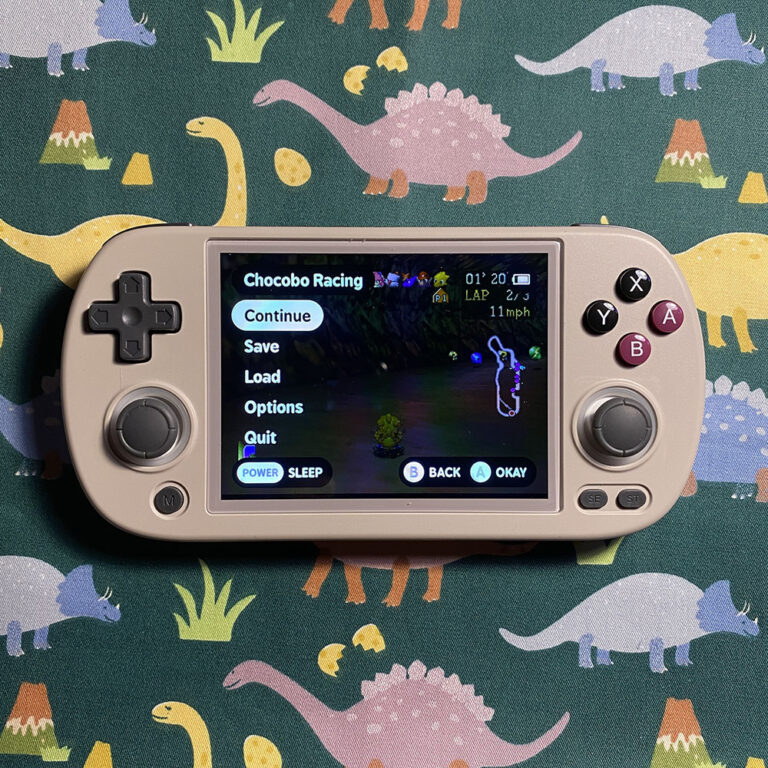
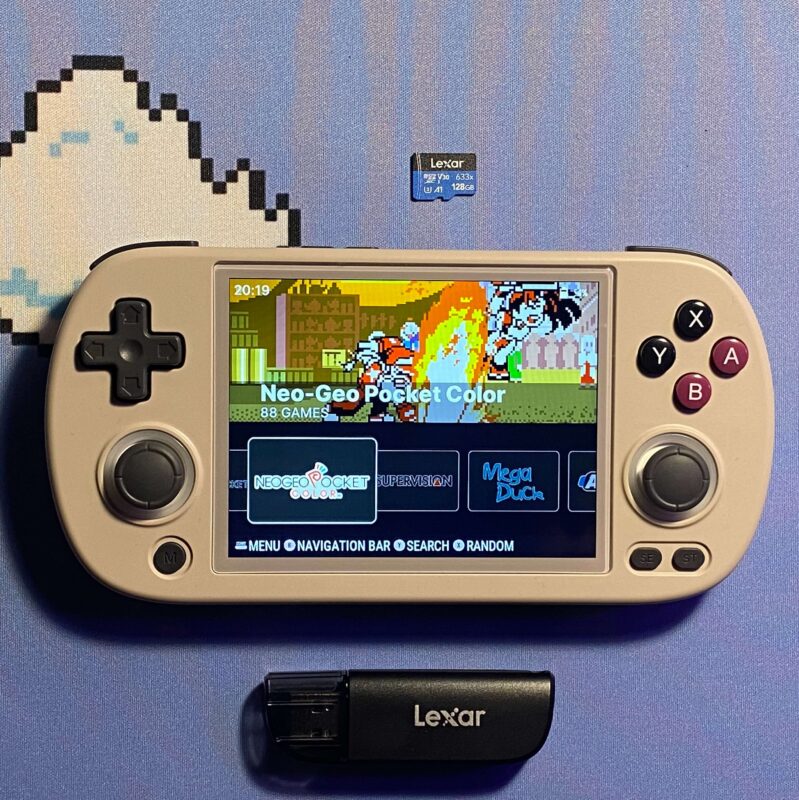
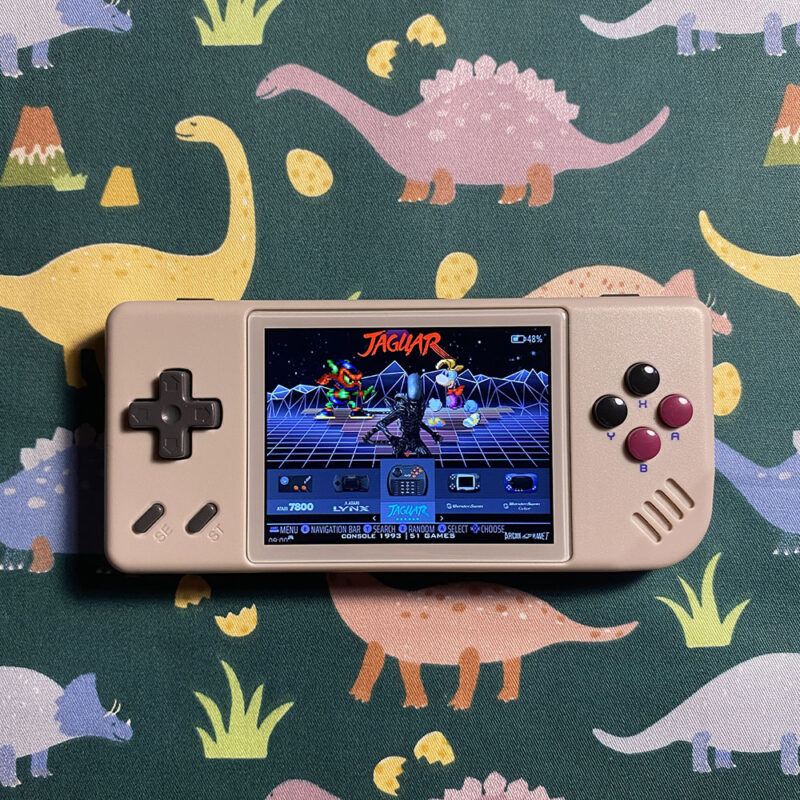
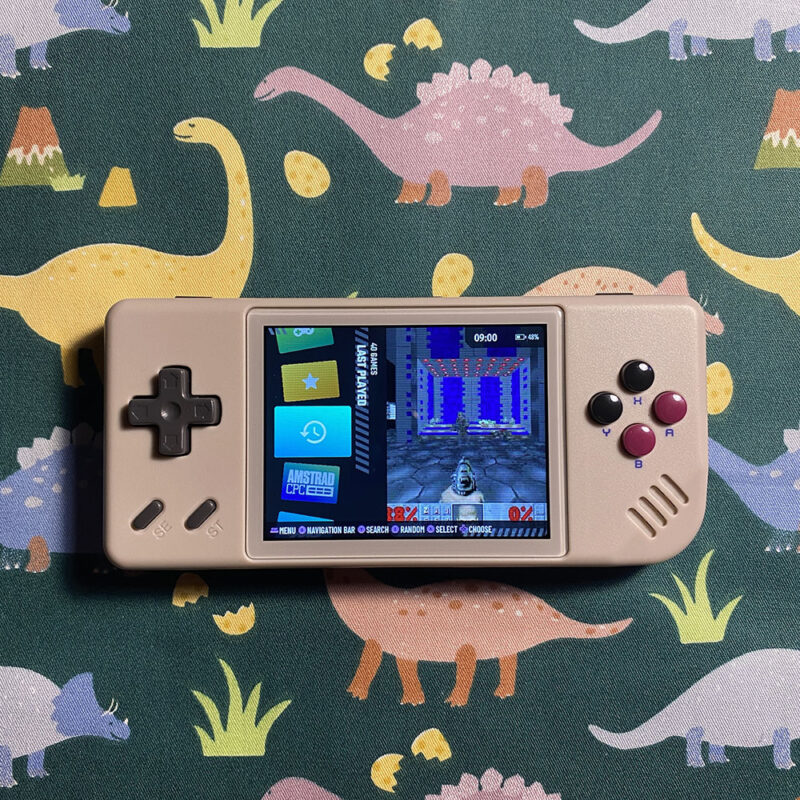
Dino Retro provides brand new retro game cards with custom firmware preloaded, pre-configured, PLUG & PLAY for retro gaming handhelds from all popular brands such as Anbernic, Powkiddy, Miyoo, Retroid Pocket, Datafrog, etc. Please select a card for your device from our list of retro handheld brands below.
We only use brand new and genius Lexar 633X or Kingston Canvas Select Plus SD cards for the best performance, stability and longevity. When buying our game cards, you will be given a special gift: a free SD card reader for smooth data tranfers or a free 5W charger to safely charge your device. We will also provide a complete using guide and life-time customer supports after purchase!
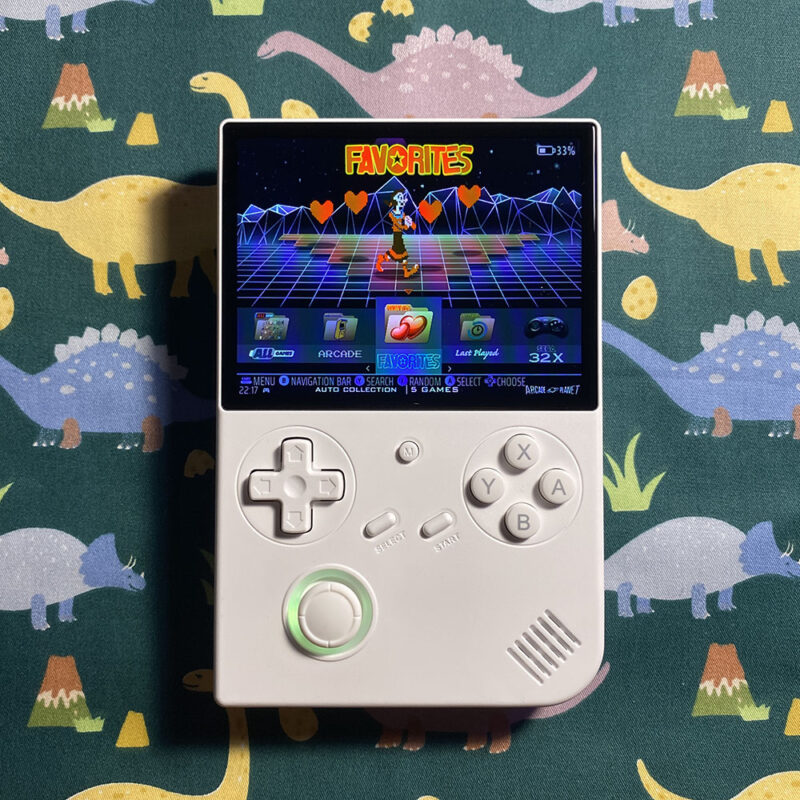
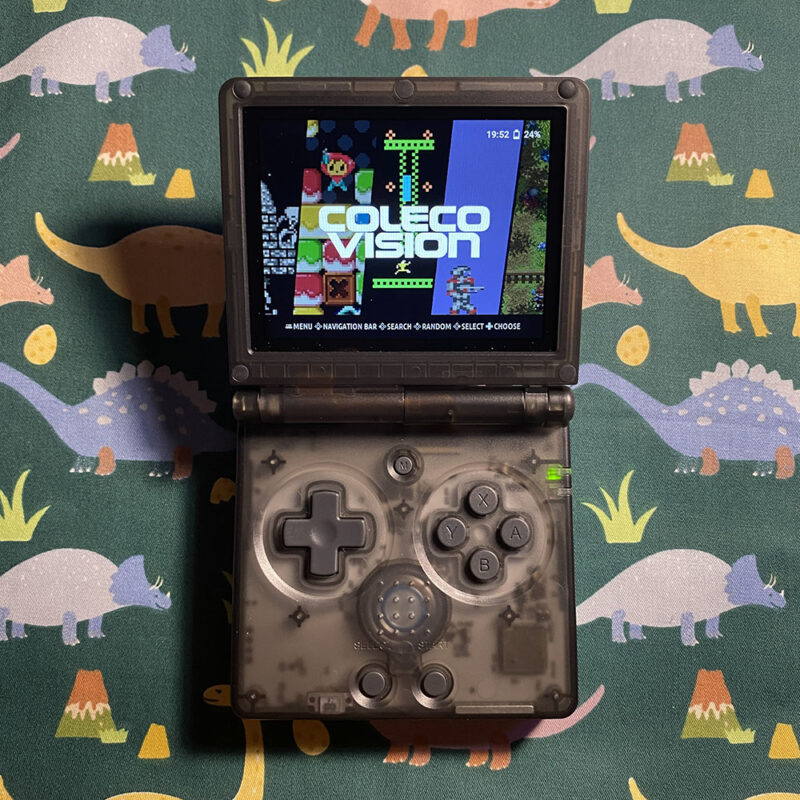
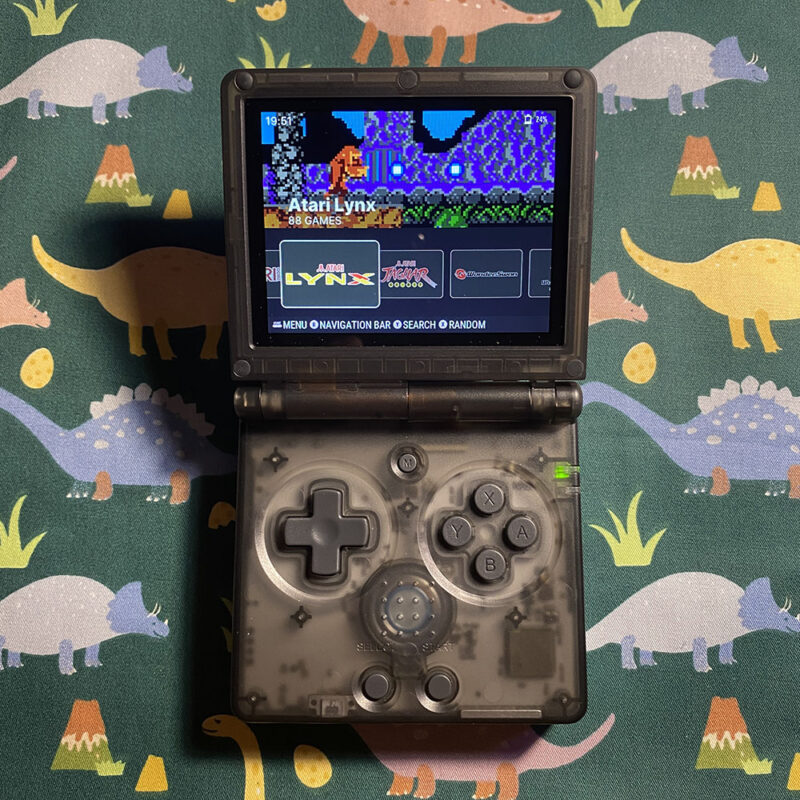
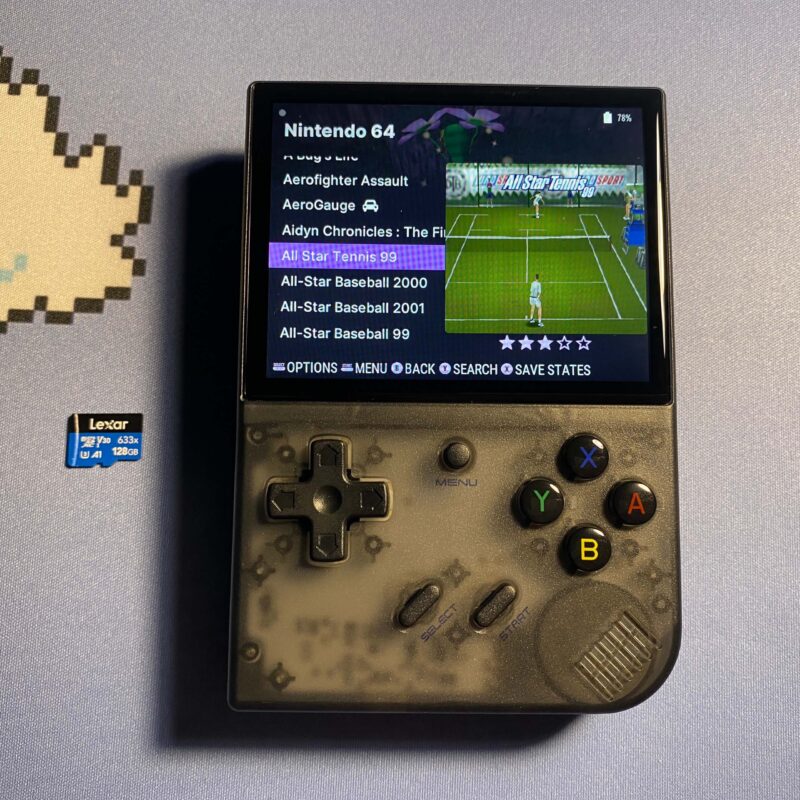
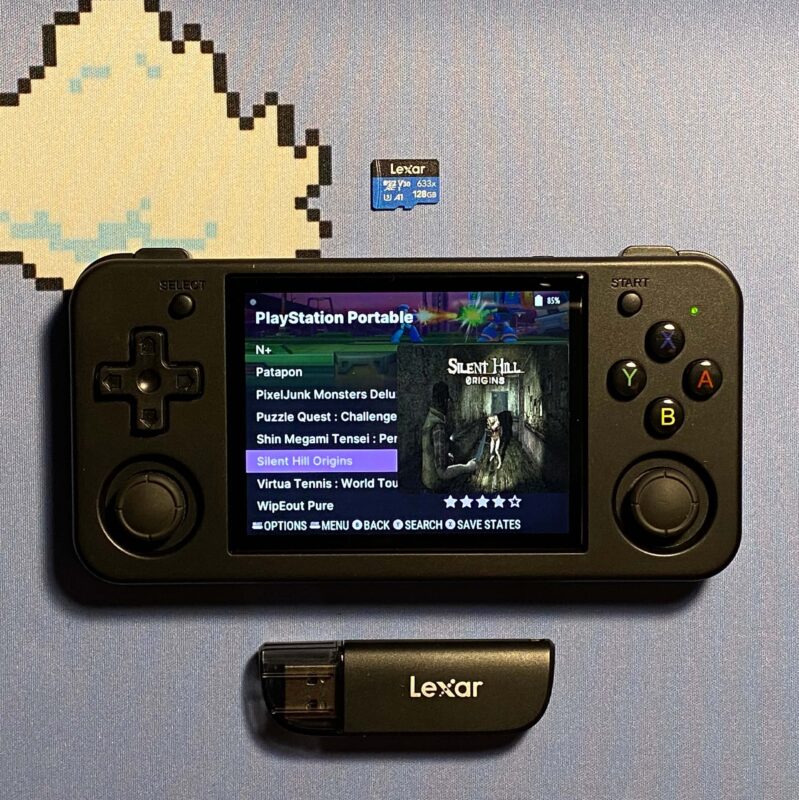
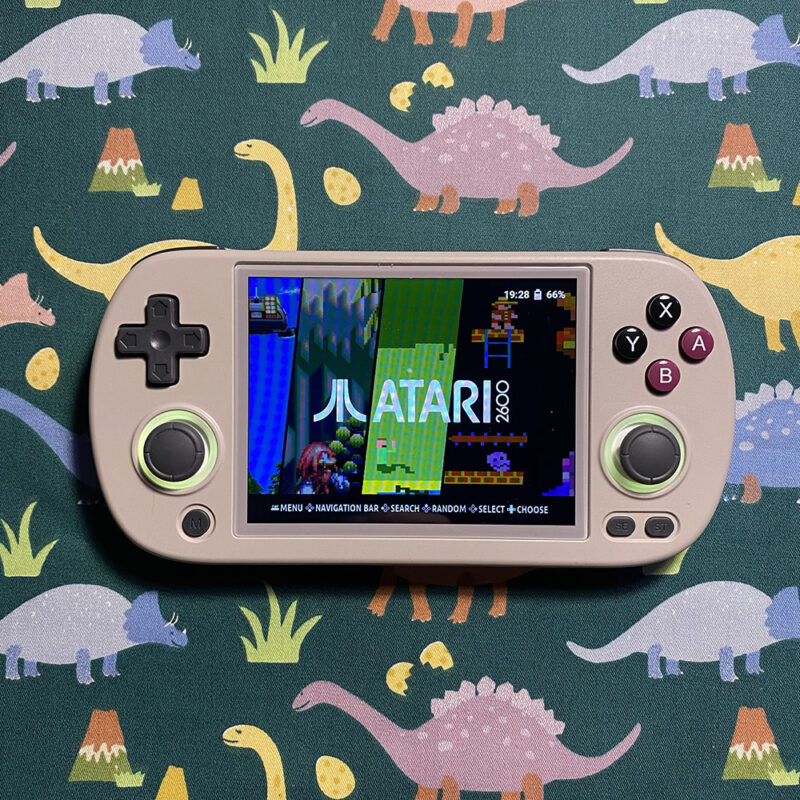
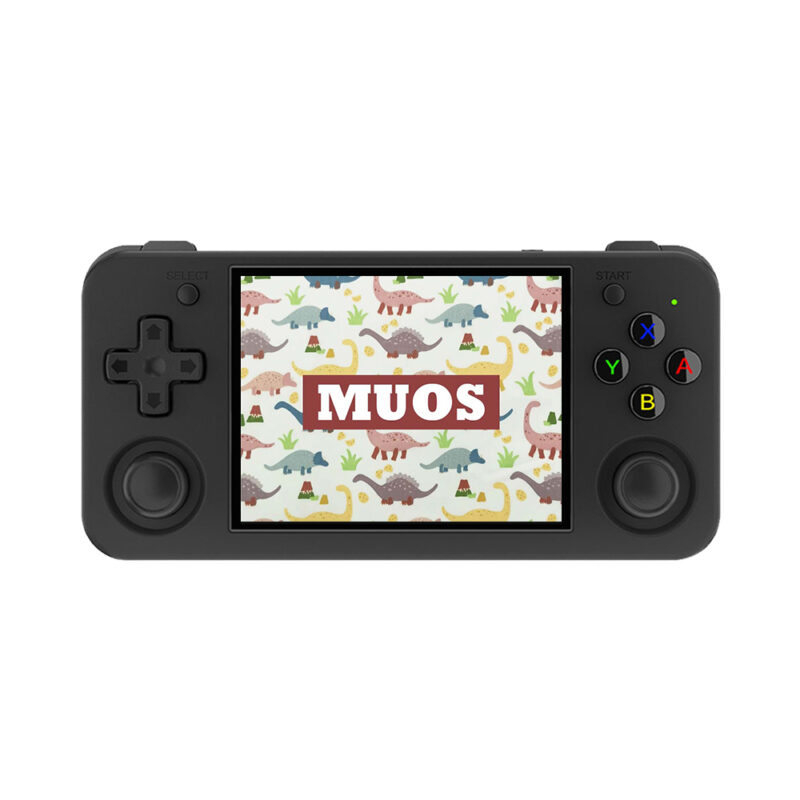
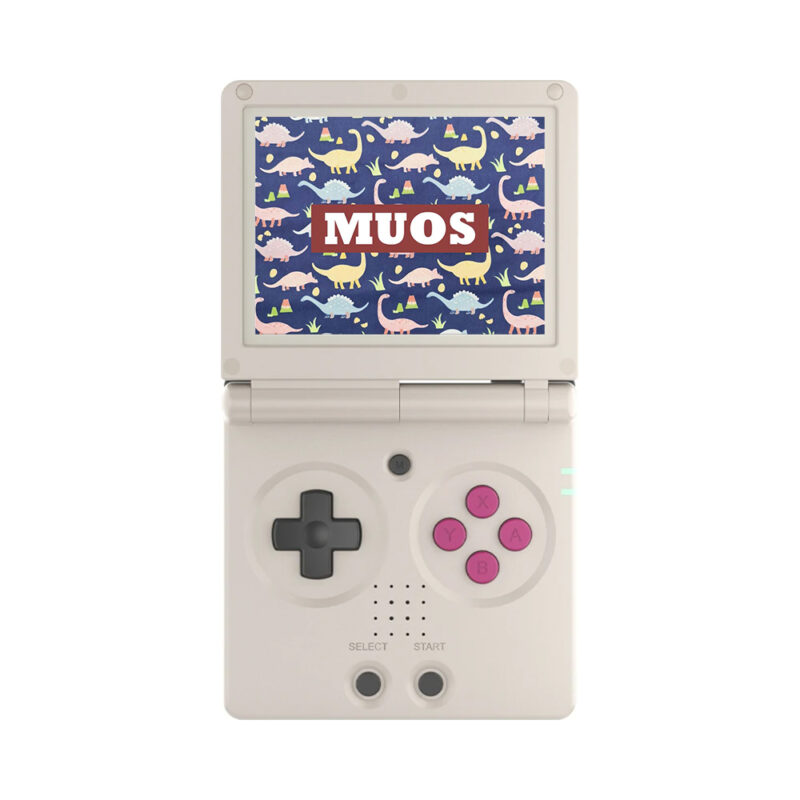
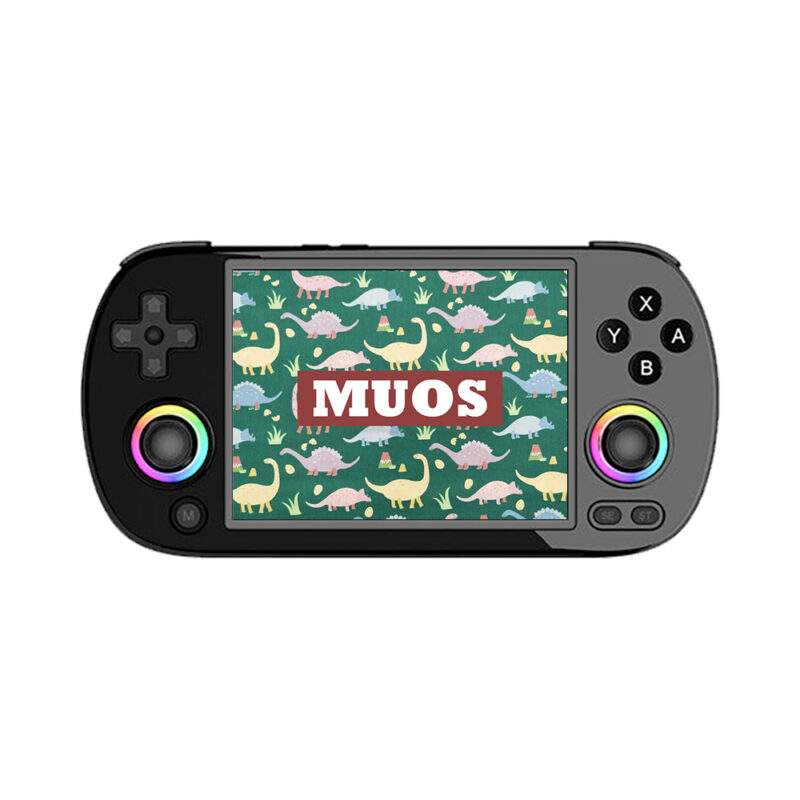
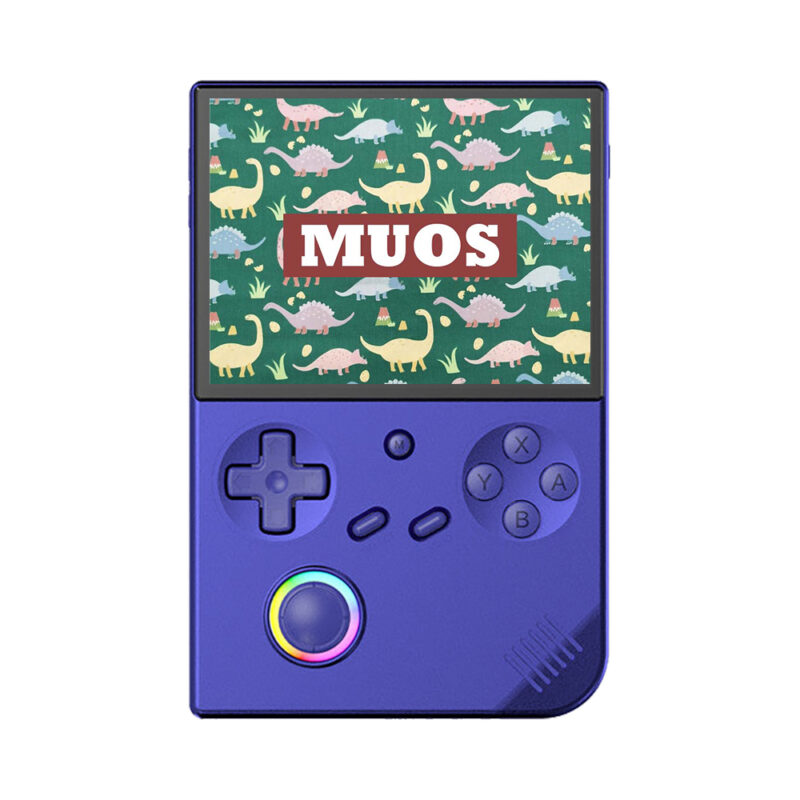
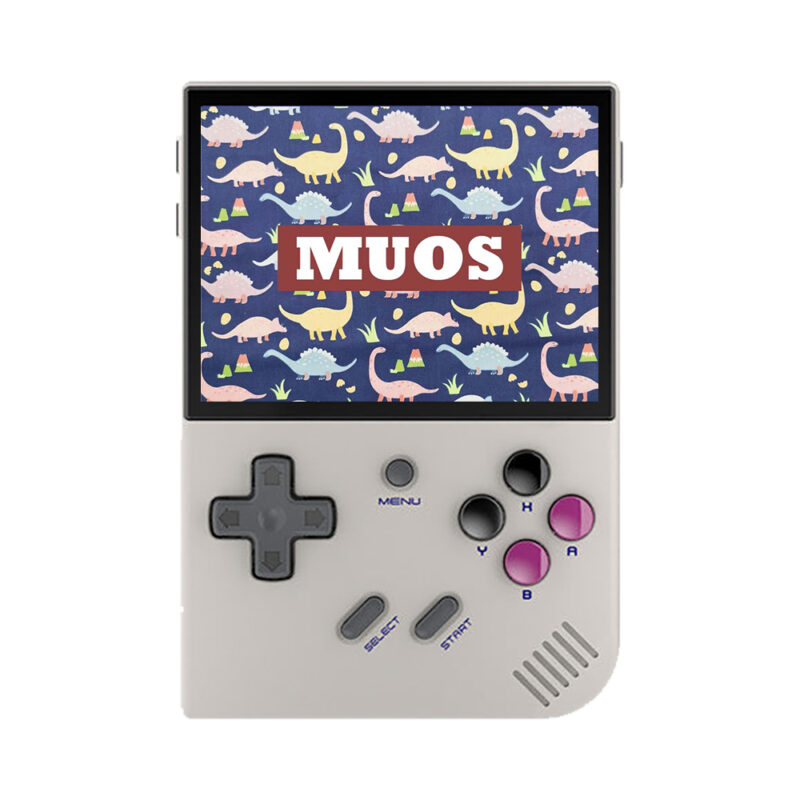
Retro Game Cards
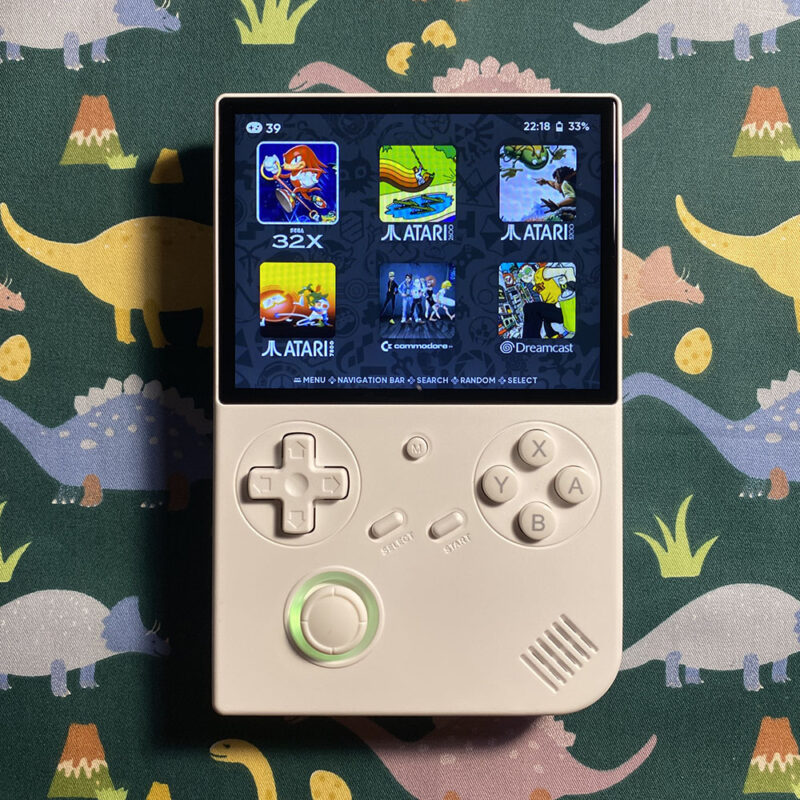
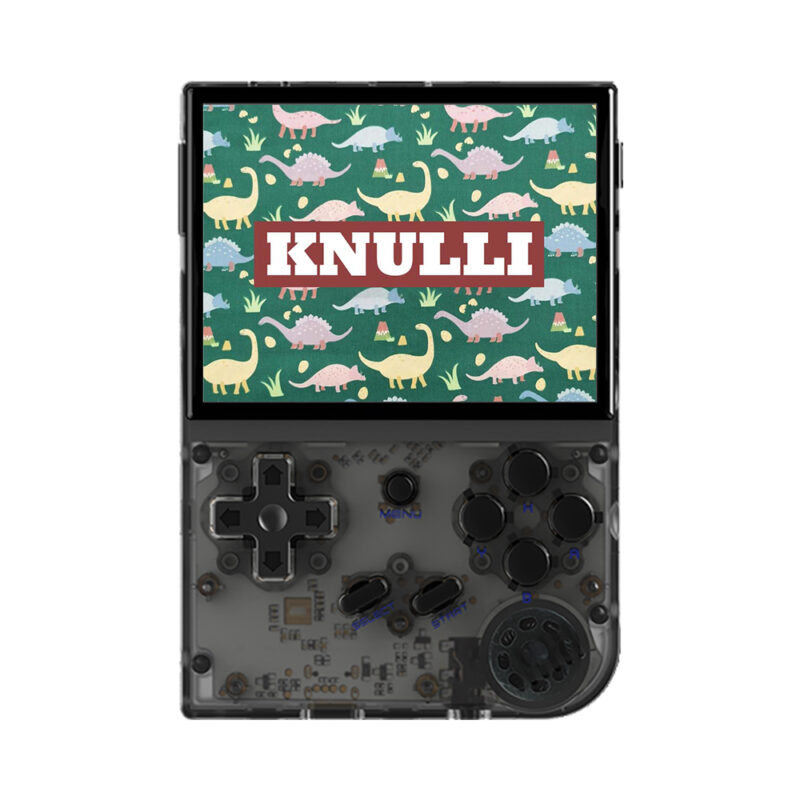
Are you looking for a specific custom firmware for your device? Well, here you can get your favorite firmware pre-installed retro game card for your device from Knulli, ArkOS, muOS to ROCKNIX, stock firmware mod or even pre-configured settings for retro emulation frontend on Android handheld devices.
Our custom firmware pre-loaded game cards have more than 15K retro games, image cover arts, game metadata, cheats codes, themes, auto save state / load state and other features already configured and optimized. Select your favourite custom firmware here and get started!




Disclaimer
Our game cards includes only the operating system, along with some additional files. All contents are freely available and fall under the Public Domain. As such, you are not paying for the contents themselves, but rather for the labor involved in producing these cards. The images provided are for illustrative purposes only and may not accurately reflect the product or its content, please contact us for the full game list.
By purchasing an SD card from Dino Retro, you confirm that you legally own copies of all the included content. If you do not legally own copies of ALL the content, you may NOT make a purchase. These cards are intended to serve as a convenient resource for those who wish to create digital backups of their physical game copies.
Latest News & Guides
Here you can find more advanced guides like using NETPLAY to play with your friends, bulk media scraping, setting up Retro Achievements, installing port games and latest news about coming retro gaming handhelds. Don't forget to subscribe to our newsletter for more useful information and updates!

ArkOS Installing and Using Guide – Step-by-Step

